



Introduction to the MV88 Microphone
The MV88 is a groundbreaking microphone designed to elevate your audio recording experience. Ideal for various use cases—from podcasting to music production—this versatile microphone brings professional sound quality right to your mobile device. Whether you are a seasoned audio engineer or just starting your audio journey, the MV88 offers ease of use coupled with exceptional performance. As you explore the capabilities of the MV88, you will discover its innovative features and what makes it stand out from the competition, allowing you to create content that resonates profoundly with your audience. If you’re looking to enhance your sound quality, the MV88 might be the perfect solution.
Understanding the Design and Features
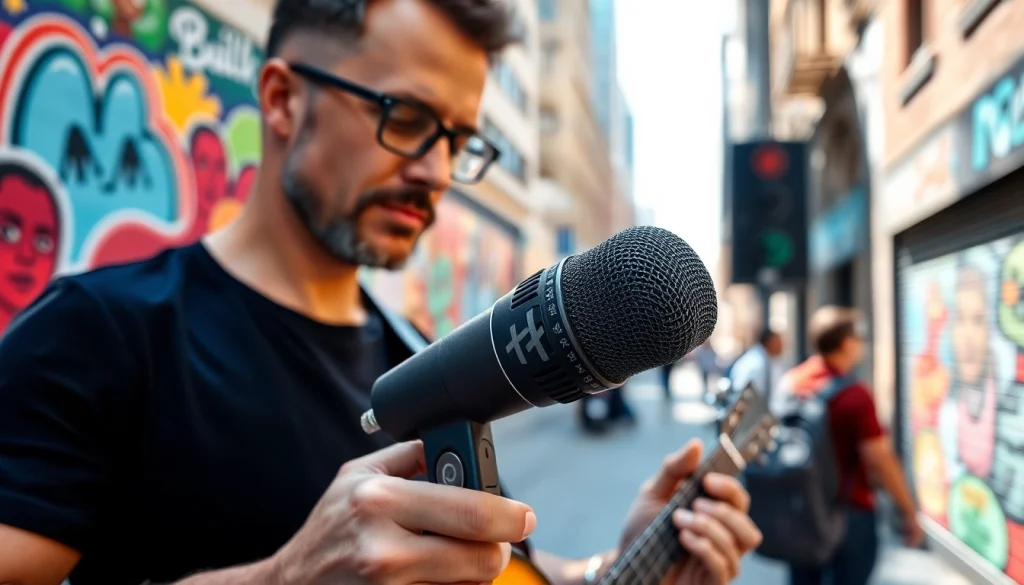
The Shure MV88 is crafted with an ergonomic and compact design, ensuring portability without compromising quality. One of its standout features is its adjustable stereo width, allowing users to control the directionality of the sound pick-up. Additionally, it offers five DSP preset modes: speech, singing, acoustic instrument, loud, and flat, catering to various recording needs. The MV88 connects via a Lightning connector, making it compatible with iOS devices, which enhances its appeal for on-the-go recording. Its built-in headphone output allows for real-time monitoring, ensuring you capture the sound at its best.
The Importance of Audio Quality
Audio quality is crucial in today’s digital landscape, where podcasts, music, and streaming content abound. Listeners are increasingly discerning, and poor audio quality can lead to disengagement and frustration. The MV88 guarantees high-fidelity recordings that preserve the nuances of your sound source. With its frequency response range of 20 Hz to 20 kHz, the MV88 can capture everything from deep bass tones to crisp high frequencies, making it suitable for a broad spectrum of audio applications.
Who Should Use the MV88?
The MV88 is designed for a diverse array of users. Professional musicians can utilize it to capture live performances and studio recordings with pristine clarity. Podcasters and content creators find it beneficial for its ease of use and portability. Additionally, educators and trainers can leverage its capabilities for webinars and online classes, ensuring that their messages are conveyed clearly and effectively. With its user-friendly design, the MV88 is suitable for both amateurs and seasoned professionals who value top-notch audio quality.
How to Set Up Your MV88 Microphone
Essential Equipment for Optimal Performance
Before diving into the setup, ensure you have essential equipment that complements the MV88’s capabilities. A sturdy tripod or microphone stand is invaluable for stabilizing the microphone during recordings. If you’re recording for extended periods, consider investing in a windscreen to reduce plosive sounds and external noise. Additionally, high-quality headphones will allow for accurate monitoring and adjustments during your sessions.
Step-by-Step Setup Guide
Setting up your MV88 microphone is straightforward. Follow these steps for optimal performance:
- Connect to iOS Device: Plug the MV88 into your iPhone or iPad’s Lightning port. Ensure that your device is running the latest version of iOS.
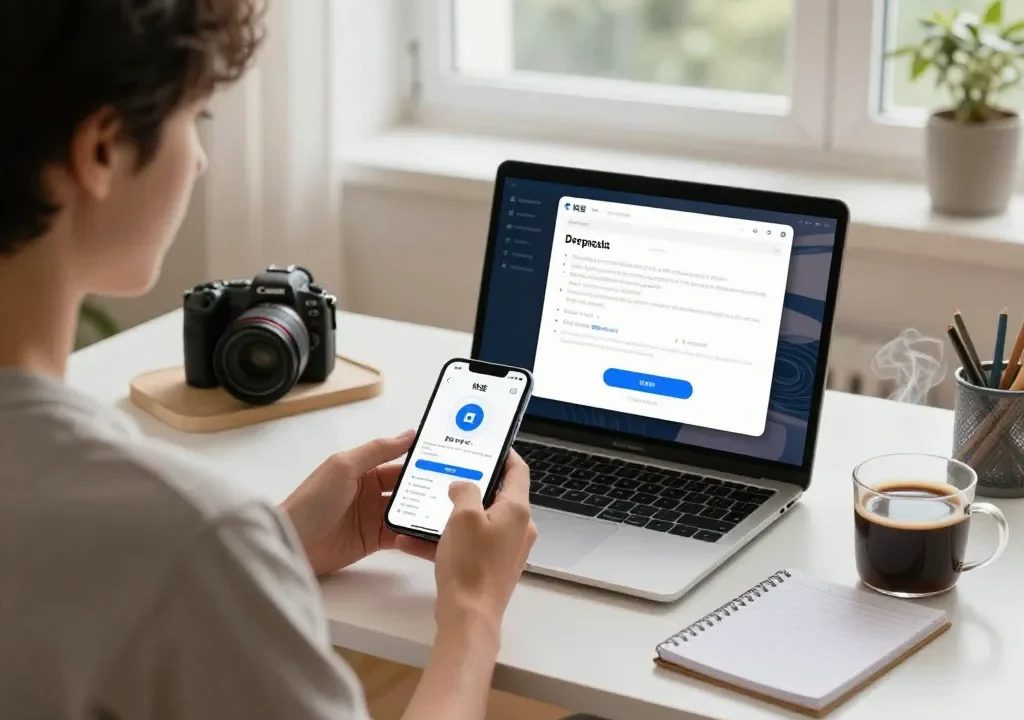
- Download the ShurePlus MOTIV App: To unlock the MV88’s full potential, download the ShurePlus MOTIV app from the App Store. This app provides additional features and customizable settings.
- Select Audio Settings: Open the app, and select one of the DSP presets based on your recording scenario. Adjust the stereo width to fit your context.
- Position the Microphone: Place your microphone at an appropriate distance from the sound source, ensuring optimal clarity. Use a tripod for stability.
- Monitor Sound Levels: Use the app’s built-in monitoring feature to adjust audio levels, preventing clipping and distortion.
- Start Recording: Hit the record button and check back regularly to ensure sound quality remains consistent.
Troubleshooting Common Setup Issues
It’s not uncommon to encounter issues during setup. Here are common problems and their solutions:
- No Sound: Check the connections to ensure the MV88 is properly plugged into your device and the app is open.
- Poor Audio Quality: Review your microphone placement and ensure it’s appropriately positioned away from noise sources. Adjust the DSP settings as necessary.
- App Crashing: Restart the app and, if the problem persists, restart your device to eliminate temporary software glitches.
Recording Techniques with the MV88
Best Practices for Voice Recording
When recording vocals, clarity and presence are paramount. Here are some best practices when using the MV88 for voice recording:
- Distance: Maintain a distance of about 6 to 12 inches from the microphone to avoid distortion and capture a warm sound.
- Angle: Position the microphone at a slight angle to your mouth to mitigate plosives while still capturing clear audio.
- Environment: Choose recording spaces with minimal ambient noise and soft furnishings to reduce echo and reverberation.
Capturing Ambient Sounds Effectively
The MV88 excels in capturing ambient sound, which can enhance the richness of your recordings. To do this effectively:
- Experiment with the stereo width settings, expanding it for a more immersive sound.
- Record in naturally resonant spaces like forests or hallways to capture the essence of the environment.
- Utilize the flat DSP setting for a more natural sound profile when ambient sounds are your focus.
Using MV88 for Music Production
The MV88 is also a viable tool for recording musical instruments. Here’s how to maximize its effectiveness:
- Instrument Positioning: Place the microphone close to the sound source, at the sweet spot of the instrument, for the best tonal representation.
- Monitor in Real-Time: Use the headphone output on the MV88 for real-time monitoring while adjusting levels and placement.
- Layering Tracks: The MV88 can be used in conjunction with other microphones to layer tracks, creating a richer sound in music production.
Comparing the MV88 to Other Microphones
MV88 vs. Traditional Microphones
Comparing the MV88 to traditional microphones reveals significant advantages. Traditional microphones often require larger setups and additional equipment, whereas the MV88’s compact design allows for easy transport and setup anywhere. Furthermore, the MV88’s direct digital connection to mobile devices simplifies the recording process, while traditional microphones may require complex preamp setups.
MV88 for Podcasting and Streaming
The MV88 is particularly advantageous for podcasters and streamers due to its simplicity and high-quality output. With the MV88, users can record directly onto their devices without needing intricate setups or costly audio interfaces. Additionally, its directional capabilities help isolate the speaker’s voice, minimizing background noise and making it an excellent choice for dynamic content creation.
Analyzing User Reviews and Comparisons
User reviews of the MV88 consistently highlight its ease of use, sound quality, and compact design. Compared to other mobile microphones, the MV88 receives praise for its reliable connectivity and app integration, setting it apart as a leader in mobile audio recording. By analyzing user experiences, we can see that the MV88 meets the demands of both casual users and professionals alike, making it a versatile choice across different fields.
Maximizing Your Investment in the MV88
Maintenance Tips for Longevity
Taking care of your MV88 microphone can extend its lifespan significantly. Keep the microphone stored in a protective case when not in use, and avoid exposing it to extreme temperatures or moisture. Regularly check the connection points for dust or debris, which can affect performance. When cleaning, use a microfiber cloth to avoid scratch damage on the exterior.
Enhancing Audio Quality with Accessories
Various accessories can enhance the audio quality of your MV88 recordings. Investing in a foam windscreen can dramatically reduce wind noise during outdoor recordings. Additionally, a shock mount can stabilize the microphone and eliminate unwanted vibrations. Using high-fidelity cables and connectors will also ensure a cleaner signal, further improving sound clarity.
Utilizing Software for Sound Editing
After recording with the MV88, utilizing sound editing software can elevate your final product. Applications like Audacity or GarageBand allow for multi-track editing, enabling you to layer sounds and adjust levels post-recording. Techniques such as EQ and compression can be applied to ensure your audio meets professional standards. Familiarizing yourself with these tools can turn quality recordings into polished masterpieces.